Where do competitors sell?
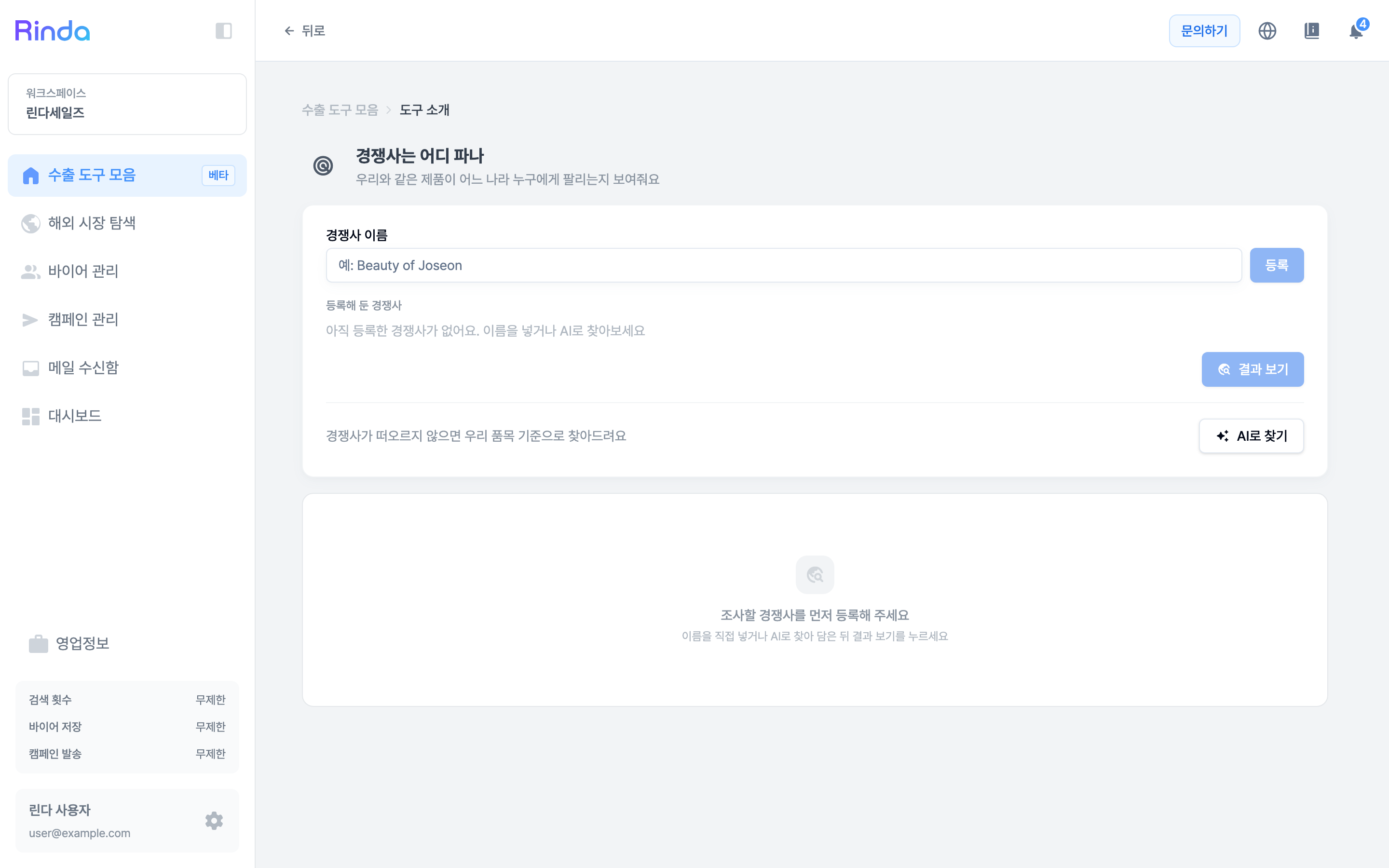
Enter a competitor's name to see which countries and customers they sell to, along with supporting evidence. If you can't think of a competitor, AI will find them based on your product category.
How to Use
1
Open "Where do competitors sell?"
Click the [Where do competitors sell?] card in the first step of the 'Export Toolset'.
2
Register competitors
Enter the company name in the 'Competitor Name' field and click [Register]. They will be added to the 'Registered Competitors' list below, so you can add multiple at once.
3
Find with AI if you can't think of any
If no competitors come to mind, click [Find with AI]. It will find candidates based on the items you registered in your business information and add them to the list.
4
View results
Click [View Results] with competitors added to see sales locations by country and supporting URLs. Open the evidence and keep only the places that actually overlap with your products.