Export conditions by country
If you select a product and an export country, it organizes what certifications are required and what to prepare first in order to enter that country.
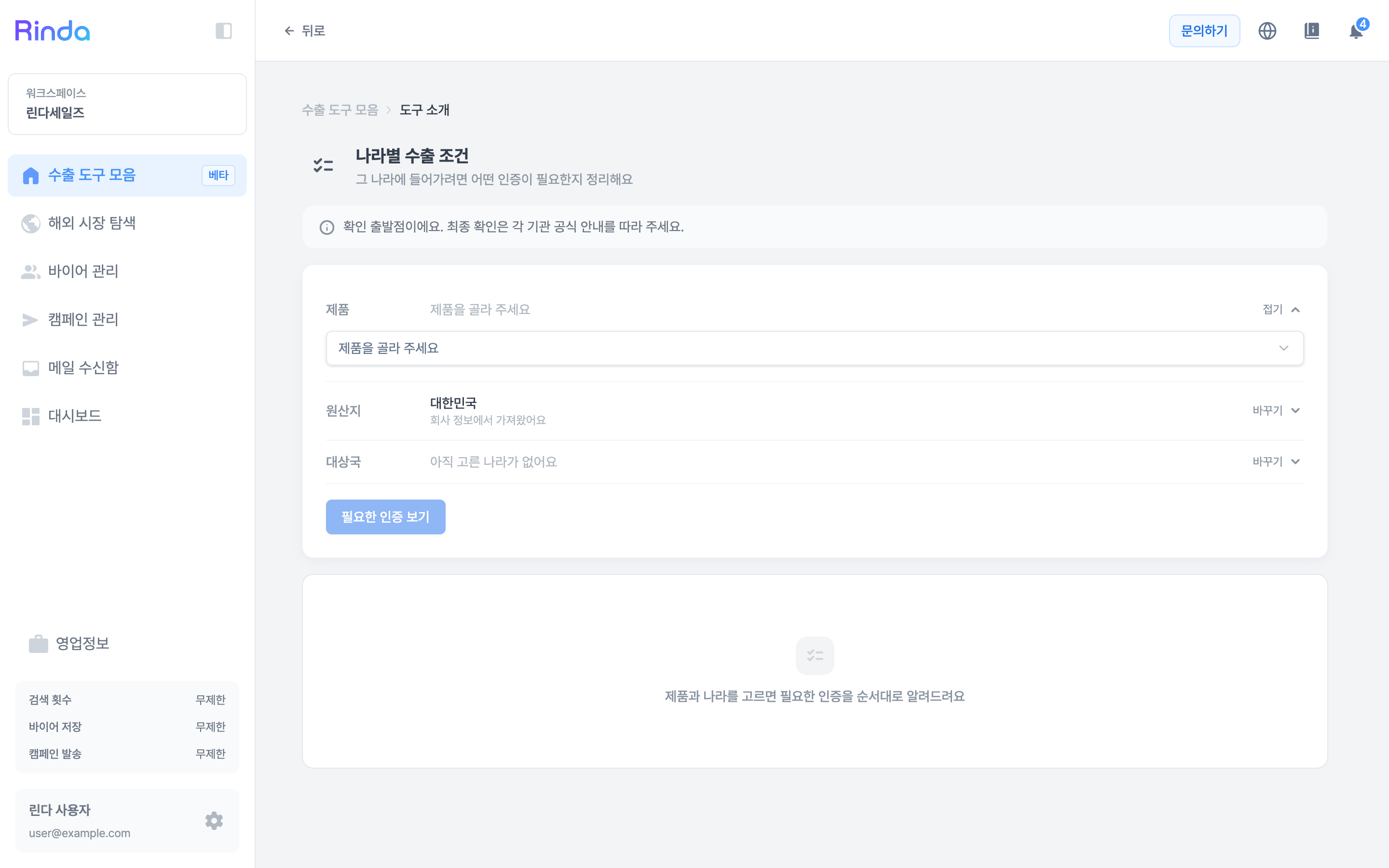
How to Use
1
Open Export Conditions by Country
Click the [Export Conditions by Country] card in the first step of the 'Export Toolkit'.
2
Select Product
Choose a product registered in your sales information under 'Product'. Since required certifications vary completely by item even for the same country, you must select a product first to see the list.
3
Set Origin and Destination
'Origin' is pulled from company information, and you select the 'Destination' yourself. Both can be modified at any time using [Change].
4
View Required Certifications
Click [View Required Certifications] to see the necessary certifications in the order they should be prepared. Since some certifications must be obtained before applying for others, we show them as a sequence rather than a simple list.