English Company Profile · Catalog
Create English introduction pages and catalogs for buyers using the company and product information stored in your sales profile. You no longer need to write lengthy company descriptions in every email.
How to Use
1
Open the English Company Introduction Page
Click the [English Company Introduction Page] card in the 'Export Toolkit' first step. Catalogs are also created on the same screen.
2
Fill in Business Information First
This tool doesn't write from scratch; it moves existing information to the English page. If company and product info are empty, fill in 'My Business Info' first.
3
Continue Editing Draft
If there's an unfinished draft, 'There is a draft to continue editing' appears, and you can resume via [Continue Editing]. Drafts are not visible to anyone yet.
4
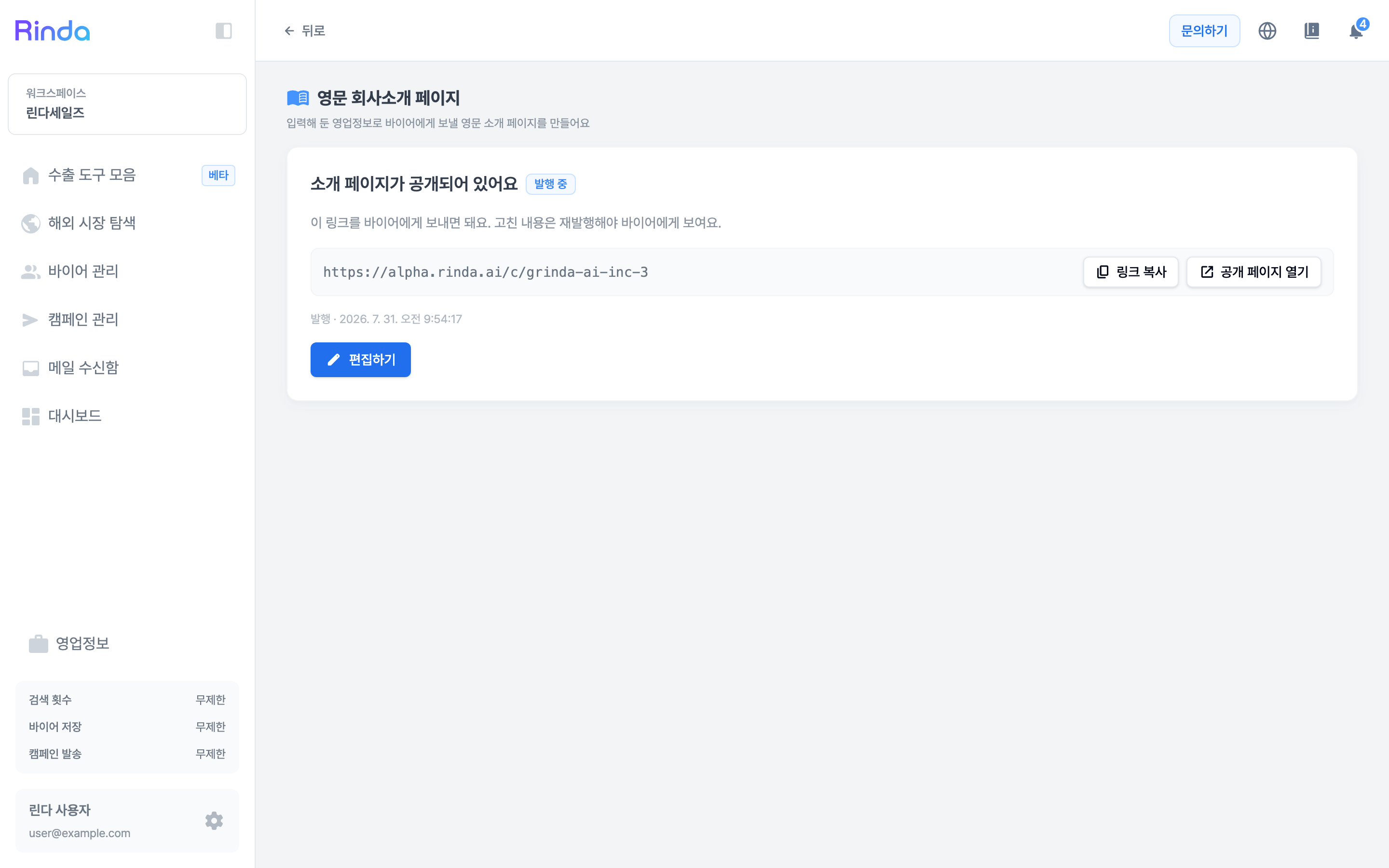
Publish and Create Link
Once editing is done, you can create a public link. There is no link before publishing, so you must publish before sending it to buyers.